.png)
Upload File
Drag & drop your file or select from device.
Convert, compress, remove background and do more with ConvertTree - your all-in-one online tools platform.

Popular
Jump straight into the tools people use most for everyday file and productivity work.
All-tools
More than tool a total workspace to boost you work up process
Convert, organize, protect and edit PDF files.
Convert, resize, crop and improve image workflows.

Writing assistance for everyday text tasks.
Clean text and handle common developer utilities.
Prepare, validate and manage common email tasks.
Fast everyday calculators, generators and converters.
Quick & Simple
Choose a tool, add your file or details, and get your result in just a few simple steps.
Drag & drop your file or select from device.
Select the tool and options you need.
Our tool will process your file instantly.
Download the result to your device.
Why ConvertTree
All our tools are 100% free to use for everyone.
Use our tools on desktop, tablet or mobile.
We do not store your files. Your data is safe.
Millions of users trust our tools every day.
Converttree Blog
Helpful articles, tutorials, and insights designed to make every day online tasks easier.
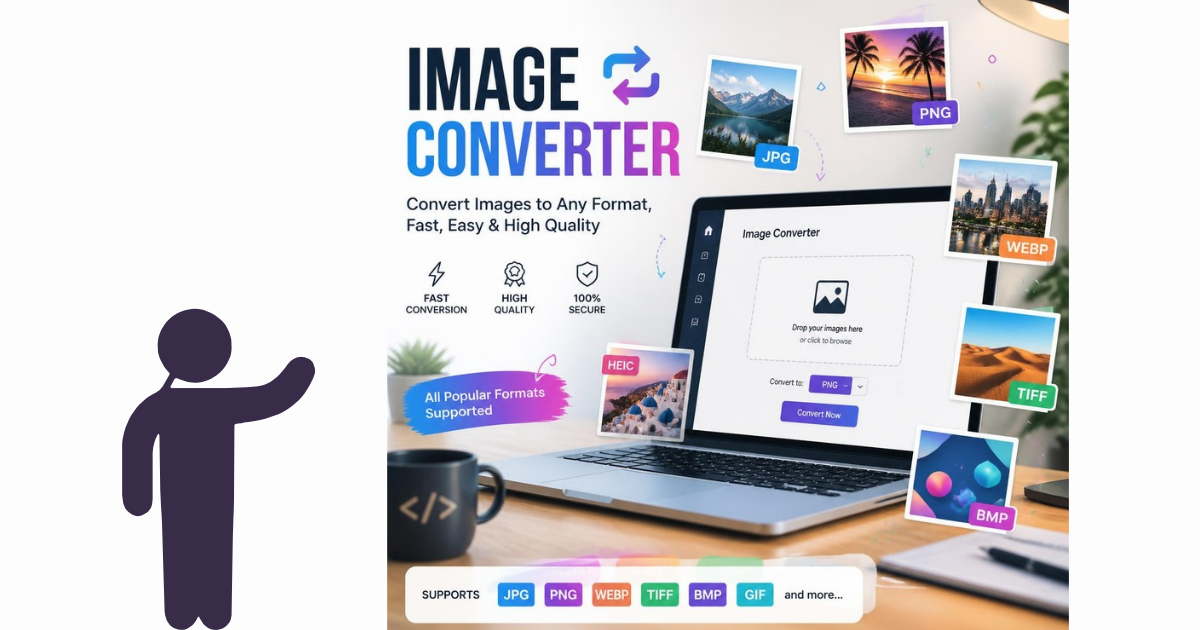
How to Convert Images to JPG, PNG, PDF, and Other Formats Online: Images come in many different file formats, and each format is designed for a different purpose. You may have a HEIC photo from an iPhone, a WebP image downloaded from a website, a PNG graphic with a transparent background, or a JPG photo that you need to place inside a PDF. The good news is that you don't need complicated software to convert images between formats. With an online image converter, you can quickly convert images into JPG, PNG, PDF, WebP, and other commonly used formats directly from your browser. Why Convert an Image to Another Format? Different image formats have different advantages. For example: JPG/JPEG is commonly used for photographs and web images. PNG is useful for graphics, screenshots, logos, and images requiring transparency. WebP can provide smaller file sizes for websites. HEIC is commonly used by Apple devices to store high-quality photos efficiently. PDF is useful when you need to combine images into a document or share a printable file. Choosing the right format can make your files easier to share, upload, edit, print, or store. How to Convert an Image Online Using an online image converter is usually straightforward. Step 1: Select your image Choose the image file from your computer, smartphone, or tablet. Step 2: Select the output format Choose the format you need, such as: JPG PNG WebP PDF Step 3: Convert the file Start the conversion process and allow the converter to process your image. Step 4: Download the converted file Once the conversion is complete, download your new file and use it wherever you need it. With ConvertTree, the process can be completed online without installing desktop software. How to Convert HEIC to JPG HEIC is widely associated with photos captured on Apple devices. While HEIC can save storage space while maintaining image quality, some websites, applications, and devices may not accept the format. Converting HEIC to JPG can make the image easier to upload, share, edit, and use across different platforms. A typical workflow is: HEIC → JPG → Download If you frequently receive iPhone photos that you need to use on Windows computers, websites, social media, or business applications, a HEIC-to-JPG converter can be particularly useful. How to Convert WebP to JPG WebP is a modern image format commonly used on websites because it can provide efficient image compression. However, you may sometimes need a JPG version for: Photo editing Printing Uploading to specific platforms Sharing with applications that don't support WebP Using images in older software Converting WebP to JPG gives you a more widely compatible image format. How to Convert PNG to JPG PNG files are excellent for graphics and images requiring transparency, but JPG can be more convenient when you need a smaller photographic image. For example, you might convert PNG to JPG when: Uploading an image to a website Reducing file size Preparing photographs for email Sharing images Creating a collection of JPG photographs Remember that JPG does not preserve transparent backgrounds in the same way PNG does. How to Convert JPG to PNG JPG images can also be converted to PNG when you need the PNG format for a particular application or workflow. However, converting a JPG into PNG does not restore image information that was lost during the original JPG compression. If you need transparency, you may also need an image editor to remove the background after conversion. How to Convert JPG to PDF Converting JPG images to PDF is useful when you want to combine photographs, scans, receipts, forms, or screenshots into a document. Common examples include: Scanned documents Receipts Business records ID documents Application forms Photographs Multiple-page documents For multiple images, converting them into PDF can make sharing and printing easier. JPG vs PNG vs WebP vs HEIC The best format depends on what you are trying to accomplish. Format Common Use JPG Photos and general-purpose images PNG Graphics, screenshots, logos and transparency WebP Website images and efficient web delivery HEIC Photos from many Apple devices PDF Documents, scanned images and printable files There isn't one format that is best for every situation. Instead, choose the format based on compatibility, image quality, transparency, file size, and how you intend to use the image. Why Use an Online Image Converter? An online converter can be useful when you only need to convert a file occasionally. You don't necessarily need to install specialized software for a simple format conversion. An online tool can be especially convenient when you're working from: Windows Mac Chromebook iPhone Android Tablet The conversion can be performed through a web browser. Is It Safe to Convert Images Online? When using any online file converter, you should consider how uploaded files are handled. Look for services that clearly explain their privacy and file-handling policies. For sensitive documents or private photographs, avoid uploading files to services you don't trust. Frequently Asked Questions What is the easiest way to convert an image? An online image converter is one of the simplest options because you can convert the file directly through your web browser without installing additional software. Can I convert HEIC to JPG online? Yes. HEIC images can be converted to JPG using an online image conversion tool. Can I convert JPG to PDF? Yes. JPG images can be converted into PDF documents, including workflows involving multiple images. What is better, JPG or PNG? Neither format is universally better. JPG is generally convenient for photographs and smaller files, while PNG is useful for graphics and transparency. Can I convert WebP to JPG? Yes. WebP images can be converted to JPG when you need broader compatibility or a different image format. Do I need to install software? Not necessarily. Browser-based converters can handle many common file conversions without requiring desktop software. Convert Your Images Online Whether you need to convert HEIC to JPG, WebP to JPG, PNG to JPG, JPG to PNG, or JPG to PDF, an online converter can make the process simple. Try the appropriate ConvertTree image conversion tool and convert your file directly from your browser.
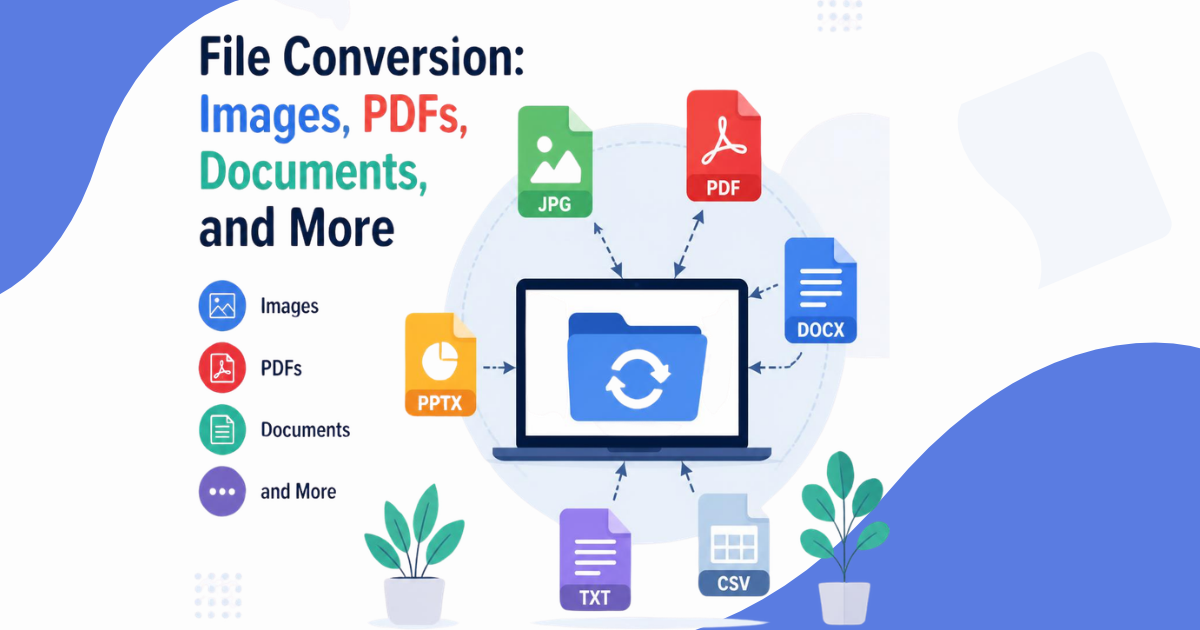
The Complete Guide to File Conversion: Images, PDFs, Documents, and More Different applications use different file formats. A photo might be saved as HEIC, a website image might use WebP, a business document might be stored as PDF, and an editable document might use DOCX. When two applications don't support the same format, file conversion provides a simple way to make the files compatible. This guide explains the most common types of file conversion and when you might need them. What Is File Conversion? File conversion is the process of changing a file from one format into another. For example: JPG → PNG HEIC → JPG PDF → Word PDF → JPG Word → PDF The information contained in the original file is processed and saved in a different format. Why Do People Convert Files? There are many reasons to convert files. Compatibility Some applications only support particular file formats. Converting a file can make it compatible with another application. Smaller File Sizes Certain formats can provide smaller file sizes, which can make files easier to upload, store, or share. Editing Some formats are designed for editing while others are designed primarily for distribution. For example, you may convert a PDF into Word when you need to edit its contents. Sharing You may convert files into a more widely supported format before sending them to another person. Printing Certain formats are more convenient for printing and document distribution. Common Image Conversions Image conversion is one of the most common types of file conversion. Popular conversions include: HEIC to JPG HEIC to PNG WebP to JPG WebP to PNG PNG to JPG JPG to PNG JPG to PDF PNG to PDF PDF to JPG PDF to PNG Each conversion serves a different purpose. Common Document Conversions Documents are also frequently converted between formats. Examples include: PDF to Word Word to PDF PDF to TXT TXT to PDF PDF to Excel Excel to PDF The best format depends on whether you need to edit, share, archive, or process the document. JPG vs PNG JPG and PNG are two of the most widely recognized image formats. JPG is generally associated with photographs and compressed images. PNG is commonly used for graphics, screenshots, logos, and images where transparency may be important. If you are working with photographs, JPG may be convenient. If you are working with graphics or transparency, PNG may be more appropriate. HEIC vs JPG HEIC is commonly associated with photographs taken using Apple devices. JPG has broader compatibility across many websites, applications, devices, and services. This is one reason people frequently convert HEIC photos to JPG. WebP vs JPG WebP was designed for efficient web image delivery. It can provide smaller image files while maintaining good visual quality. However, JPG remains widely supported and can be useful when compatibility with older software or specific platforms is important. PDF vs Word PDF is generally useful for sharing documents while maintaining their appearance. Word documents are generally easier to edit. For example: Creating a document → Word Finalizing and sharing → PDF This is why PDF-to-Word and Word-to-PDF conversion are common workflows. How to Choose the Right File Format Before converting a file, ask yourself: What application will open the file? Do I need to edit it? Do I need a small file size? Does the file need transparency? Will I print it? Will I upload it to a website? Does the recipient support the format? These questions can help you choose the appropriate output format. Online File Conversion Online file converters allow you to convert files through a web browser. This can be convenient because you don't necessarily need to install specialized software. Depending on the service, you may be able to convert files from: Windows Mac Chromebook iPhone Android Tablet Convert Files Online with ConvertTree ConvertTree provides browser-based file conversion tools designed to make common conversion tasks easier. Instead of installing a separate application for every file format, you can use online conversion tools for supported formats. Explore ConvertTree's available converters and choose the conversion you need. Frequently Asked Questions What is a file converter? A file converter changes a file from one format into another format. What is the most common image conversion? Common image conversions include JPG to PNG, PNG to JPG, HEIC to JPG, WebP to JPG, and JPG to PDF. Why convert HEIC to JPG? JPG is widely supported by websites, applications, devices, and software, making it useful when HEIC compatibility is limited. Why convert PDF to Word? PDF-to-Word conversion can make document text easier to edit. Can I convert files without installing software? Yes. Browser-based file converters can handle many common conversions without requiring desktop software. Are online converters available on mobile? Many browser-based conversion tools work on smartphones and tablets, although the exact functionality depends on the service. Final Thoughts File conversion doesn't have to be complicated. Whether you need to convert an image, document, PDF, or another supported file type, choosing the appropriate output format can make your files easier to edit, share, upload, and store. With online conversion tools, many everyday file-format problems can be solved directly from a web browser.

How to Convert PDF Files to Word, JPG, PNG, and Other Formats Online PDF is one of the most commonly used file formats for documents, forms, invoices, reports, applications, and business files. But PDFs aren't always convenient to edit or reuse. You may need to convert a PDF into Word so you can edit its text, convert PDF pages into JPG images for sharing, or extract images from a PDF. An online PDF converter can make these tasks much easier. Why Convert a PDF? PDF files are designed to preserve the appearance of a document across different devices and operating systems. However, that also means editing the original content can sometimes be difficult. Converting a PDF may help when you need to: Edit document text Extract images Share individual pages Create images from PDF pages Reuse information Prepare documents for another application Reduce compatibility problems How to Convert PDF to Word PDF-to-Word conversion is useful when you need to edit the text inside a document. A typical process is: Select your PDF file. Upload it to a PDF-to-Word converter. Start the conversion. Download the resulting Word document. Open the document in Microsoft Word or compatible software. Keep in mind that complicated PDFs containing tables, columns, graphics, or unusual fonts may require additional formatting after conversion. How to Convert PDF to JPG PDF-to-JPG conversion turns PDF pages into image files. This can be useful for: Sharing individual pages Uploading documents to image-based platforms Creating previews Using PDF pages in presentations Extracting visual content Each PDF page may be converted into a separate JPG image depending on the converter and settings. How to Convert PDF to PNG PNG can be useful when you need a raster image with higher-quality graphics or transparency-related workflows. PDF-to-PNG conversion can be helpful for: Screenshots Graphics Presentations Website content Document previews The best format depends on how you intend to use the converted file. How to Convert PDF to Image If you simply need the contents of a PDF as images, you can convert the PDF pages into JPG or PNG files. For example: PDF → JPG or PDF → PNG This is particularly useful when a PDF contains scanned pages, diagrams, forms, or visual content. How to Convert Word to PDF The conversion process can also work in the opposite direction. Word documents are often easier to edit, while PDFs are better for distributing a finished document. A common workflow is: Microsoft Word → PDF → Share or Print PDF is frequently used for: Resumes Contracts Business proposals Invoices Reports Applications Forms PDF Conversion for Work and Business PDF conversion is useful far beyond personal files. Businesses regularly work with documents such as: Invoices Receipts Contracts Financial reports Employee documents Applications Marketing materials Product documents Being able to convert files between formats can save time when moving information between different applications. What Is the Best PDF Format? There is no single best format for every situation. Consider your objective: Goal Useful Format Edit text Word Share a finished document PDF Share a single visual page JPG Preserve graphics PNG Work with images JPG or PNG Choose the output format based on how you plan to use the file. Are Online PDF Converters Safe? Before uploading a sensitive document, check the converter's privacy policy and file-handling practices. Sensitive documents may include: Passports Identification documents Financial statements Contracts Medical records Private business documents Use trusted services and understand how uploaded files are handled. Frequently Asked Questions Can I convert PDF to Word online? Yes. Online PDF-to-Word tools can convert many PDF documents into editable Word files. Can I convert PDF to JPG? Yes. PDF pages can be converted into JPG images. Can I convert PDF to PNG? Yes. PDF pages can be converted into PNG images. Can I convert multiple PDF pages? Depending on the tool, multiple pages can be processed and converted into separate output files. Does PDF-to-Word conversion preserve formatting? Simple documents often convert more accurately than complex layouts. Tables, columns, graphics, and unusual fonts may require manual formatting afterward. Convert Your PDF Online Whether you need to convert PDF to Word, PDF to JPG, PDF to PNG, or another supported format, an online converter can simplify your workflow. Use ConvertTree to convert supported files directly from your browser without installing additional conversion software.
FAQ
Browse common questions and learn how to use Converttree quickly, safely, and efficiently.